Two modes
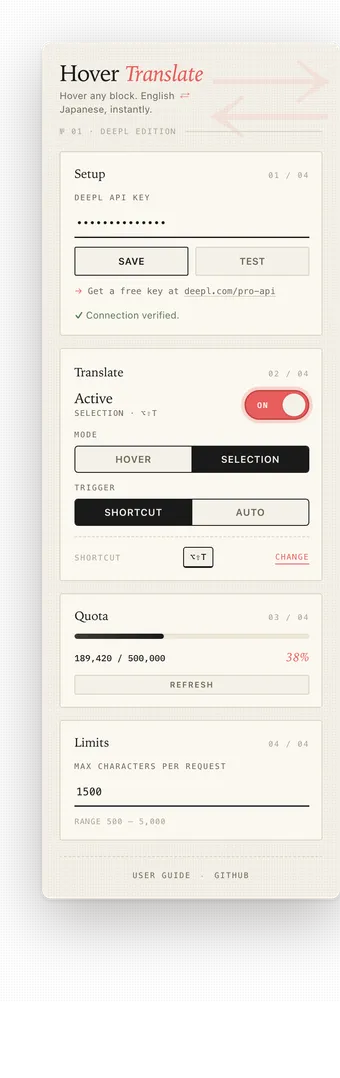
Hover to translate paragraphs automatically, or switch to Selection mode and translate only what you highlight.
A lightweight Chrome extension that translates paragraph-sized text blocks between English and Japanese, on demand, without ever leaving the page. Powered by Chrome’s built-in on-device Translator API.
Two modes
Hover to translate paragraphs automatically, or switch to Selection mode and translate only what you highlight.
Bilingual
Auto-detects English or Japanese — no toggling.
Private
No translation API key, no project server, no analytics.
Keyboard-first
Alt+Shift+T translates the current selection in Selection mode.
Hover Translate is a Chrome extension for reading bilingual pages with less friction. It ships with two modes: hover a paragraph to translate it, or select the text you want and trigger the translation by shortcut or automatically on release.
Built with Chrome’s built-in Translator API. Hover Translate does not store a translation API key and never tracks you.